Convert image format
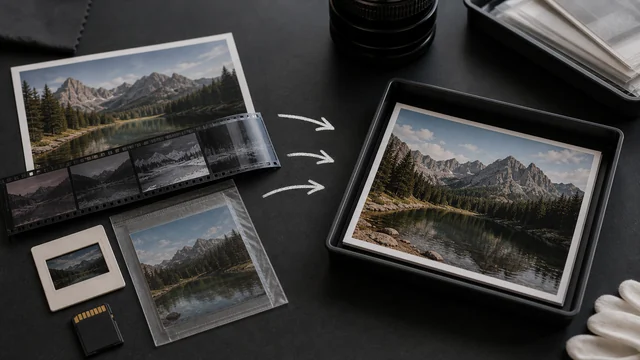
image cat converts images between JPG, PNG and WebP locally in your browser, and turns iPhone HEIC into universal formats. Pick a target format, drop your images, convert in one click — files are never uploaded.
3 numbered images + 1 damaged file. A real processing example.
Images are processed in this tab. Download your results before closing or refreshing.
Your finished images will appear here.
Check each image, its dimensions and file size before downloading.
How to convert image
- 1Drop one or more images (JPG / PNG / WebP / HEIC / AVIF and more).
- 2Pick a target format (JPG / PNG / WebP).
- 3Click “Start”.
- 4Download results individually or as a ZIP.
Why use image cat's Convert Image?
- Local conversion: images never leave your device.
- WebP saves space: converting to WebP is usually smaller than JPG, great for faster sites.
- Batch + ZIP download — a whole set at once.
Frequently asked questions
Input: JPG / PNG / WebP / HEIC / HEIF / AVIF / GIF / BMP and anything the browser can decode. Output: JPG, PNG and WebP; AVIF is offered when the browser can encode it.
JPG cannot retain transparency, so transparent areas are flattened during encoding. Use PNG or WebP to preserve transparency, and inspect the output preview before downloading.
Updated · image cat team
Sources, review and limits
Last verified
2026-06-17
Author
Image-Cat editorial team
Reviewer
Image-Cat tooling review
Primary sources
- Browser image decoding, Canvas and download APIs
- Common social, web and device image-size presets
- User-provided images processed locally
Compression and resizing can change quality, metadata and color. Keep originals and verify output before publishing or printing.