Image processing, in your browser · Free to use · No account
Get your images ready to go.
Compress, resize or convert. Review each output and any failed files before you download.
3 numbered images + 1 damaged file. A real processing example.
Images are processed in this tab. Download your results before closing or refreshing.
Your finished images will appear here.
Check each image, its dimensions and file size before downloading.
Start with the problem in front of you
A form says your photo is too large
Try a 200KB limit and check the output size, dimensions and detail. An unmet target is clearly marked.
Open the 200KB compressor
An HEIC photo will not open
Convert iPhone photos to JPG, then check the result before using it in a form or sharing it.
Convert HEIC photos
A whole batch needs the same edits
Combine resizing, a watermark and compression, then download the processed images.
Open the batch workspacePopular conversions
All conversions →Choose a file-size limit
General compressor →Choose an upper file-size limit, then check the actual output and image detail. Some images may need a larger limit or smaller dimensions.
Resize to a platform size
All sizes →Every image tool, in one place
All run in your browserConvert3
Resize4
Resize Image
Scale images by pixels or percentage, in batches.
Local
Crop Image
Visual drag-to-crop with 1:1 / 4:3 / 16:9 ratio presets.
Local
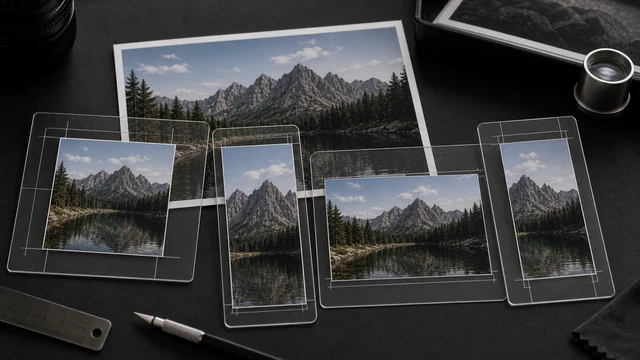
Social Media Resizer
One-click crop to Instagram/X/YouTube/etc. sizes, in batches.
Local
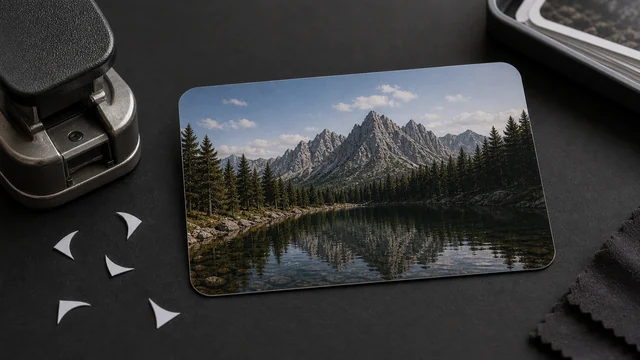
Round Image Corners
Round an image's corners and export a transparent PNG — for avatars, icons and cards.
Local
Retouch6
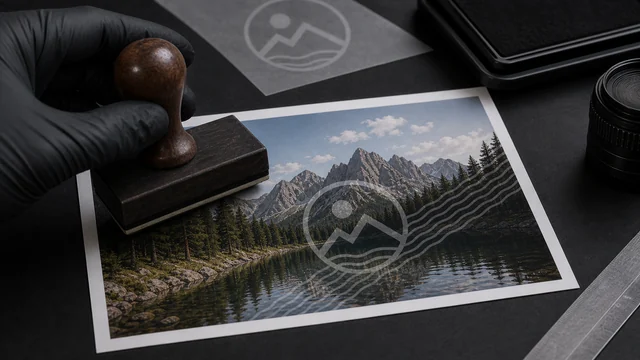
Watermark Image
Add a tiled 45° text watermark to images, in batches.
Local
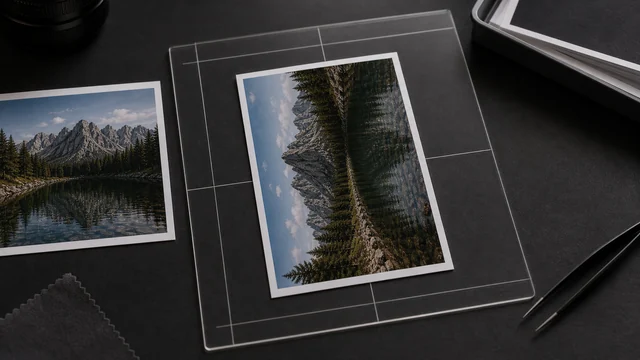
Rotate / Flip Image
Rotate 90°/180° and flip horizontally/vertically, in batches.
Local
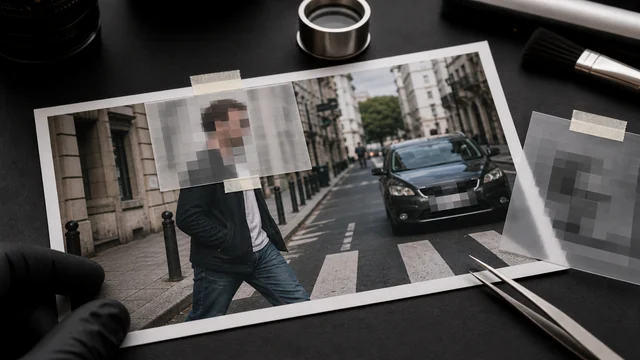
Blur / Pixelate Image
Box areas to pixelate or blur — hide faces, plates, private info.
Local
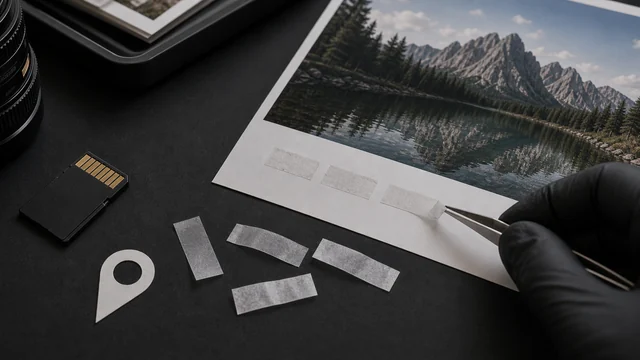
Remove EXIF Data
Losslessly strip GPS location and capture metadata from photos.
Local
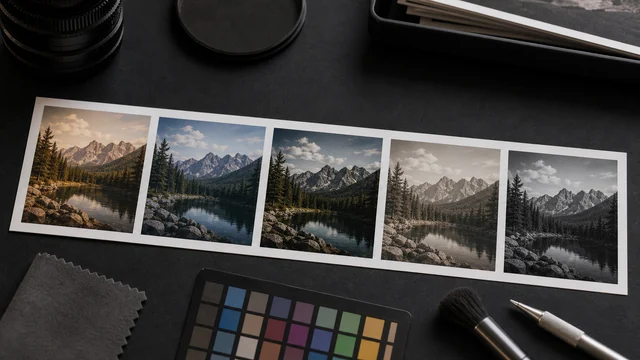
Photo Filters & Adjust
Add filters and tune brightness, contrast and saturation — B&W, vintage, vivid in one click.
Local
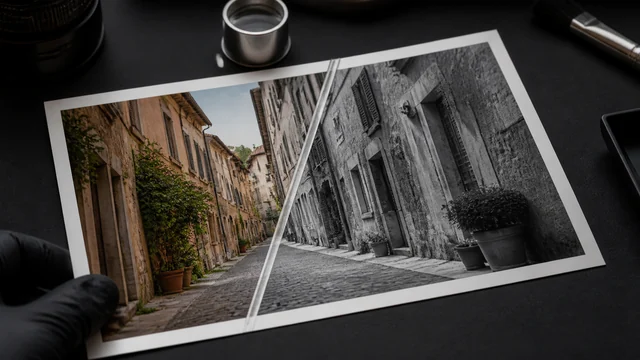
Black & White Photo Converter
Turn color photos black & white or sepia with luminance weighting — natural tones, local.
Local
Create7
Favicon Generator
Turn one image into favicon.ico + multi-size PNGs + snippet, zipped.
Local
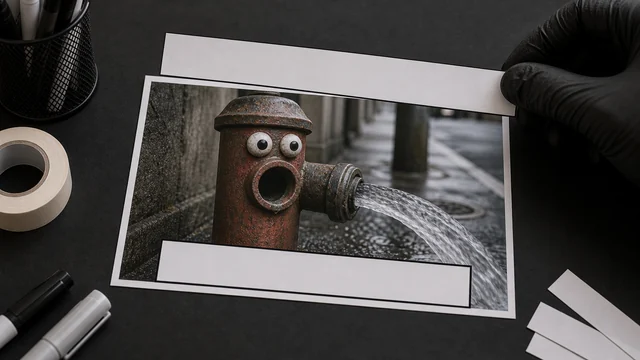
Meme Generator
Add bold top/bottom captions with a black outline — make memes in seconds.
Local
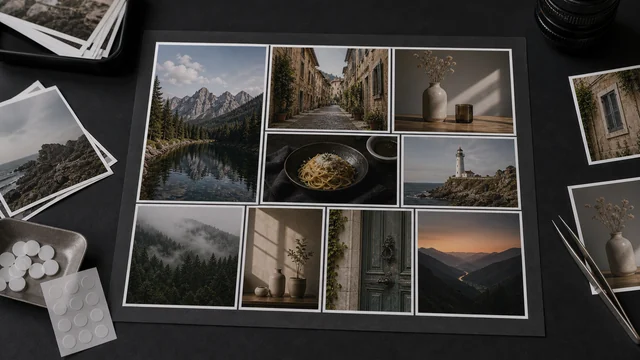
Photo Collage
Combine multiple photos into a grid or long strip — adjust columns, gap and background.
Local
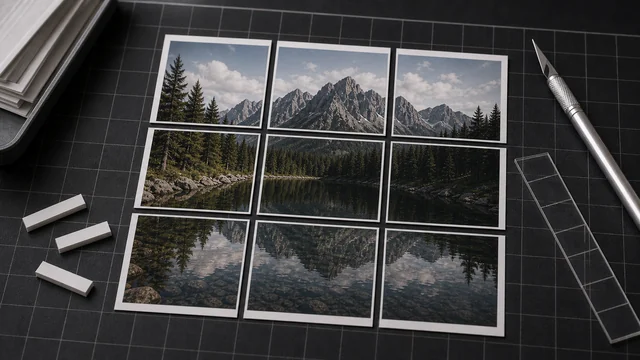
Grid Splitter
Slice one image into a 3×3 grid so an Instagram or feed post lines up perfectly.
Local
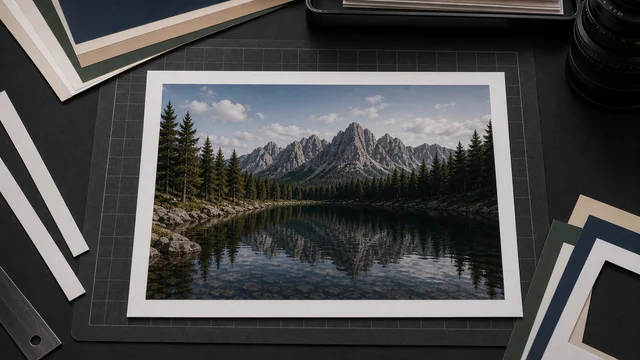
Add Border to Image
Add an even border or a Polaroid frame — adjustable width and color.
Local
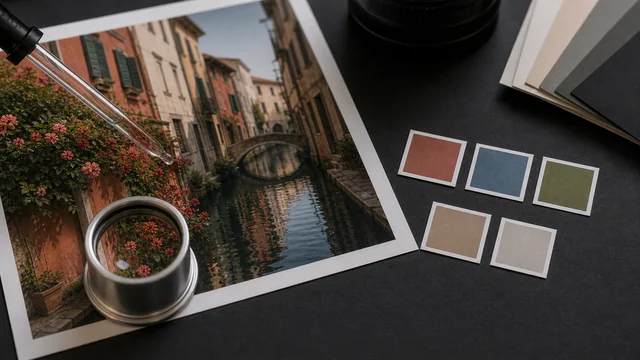
Image Color Picker
Pick colors from an image — read HEX/RGB/HSL and extract a palette, copy in one click.
Local
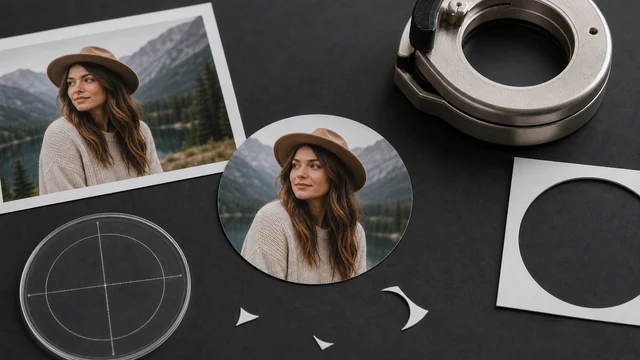
Circle Crop / Round Avatar
Crop an image into a circle and export a transparent PNG — perfect round avatars, local.
Local
Smart6
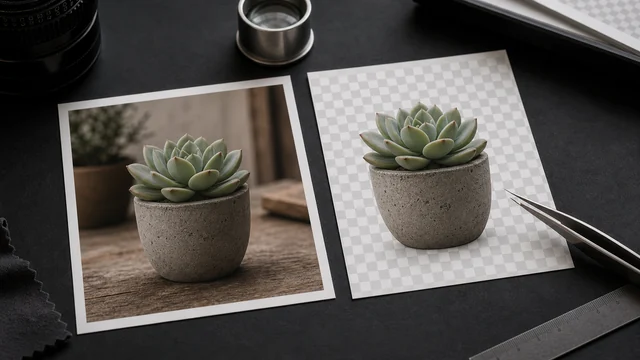
AI Background Remover
Remove the background with AI in one click — transparent PNG, runs locally, never uploaded.
Local
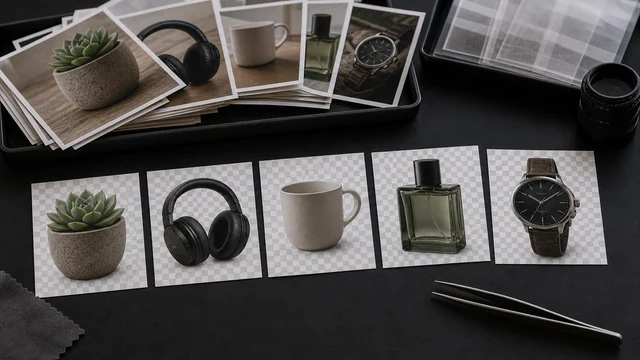
Bulk Background Remover
Upload many images and remove every background at once — download all as transparent PNGs in a ZIP. Local, free, unlimited.
Local
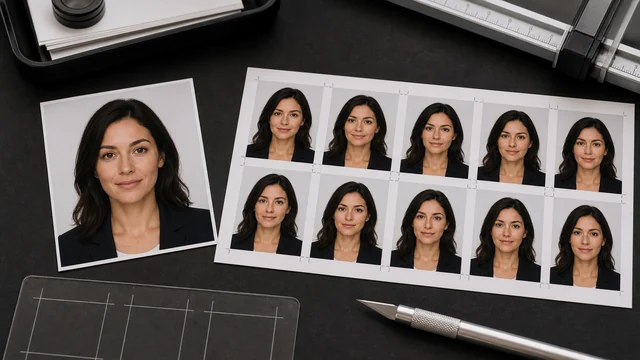
ID Photo Background
AI cutout then swap to white/blue/red background and standard ID sizes — all local.
Local
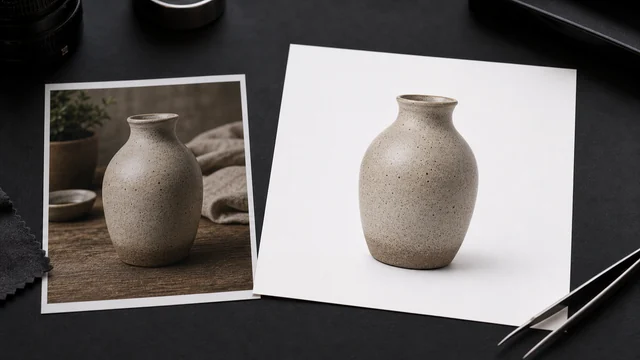
White Background Maker
AI removes the background and swaps to pure white for e-commerce hero images — local.
Local
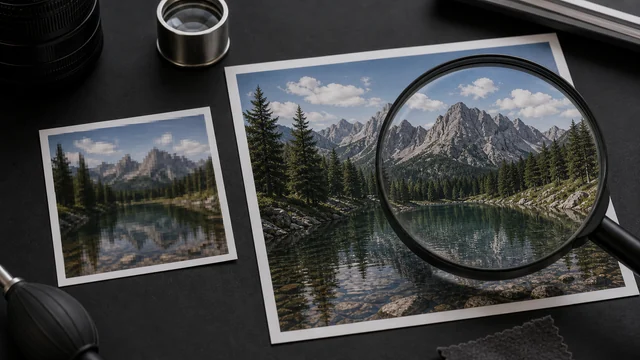
AI Image Upscaler
AI super-resolution enlarges your image 2× and restores detail — local, never uploaded.
Local
Image Batch Pipeline
Batch resize and convert images, keep every file with unique names, and download images plus a file-by-file manifest.
Local
More than one edit to make?
Combine operations in the batch workspace. Check a small sample before processing the whole batch, then download images individually or as a ZIP.